
14 CSS Link Hover Effects (Demo + Free Code)
Here is the Latest Collection of CSS Link Hover Effects. CSS link style, Underline CSS Link Effects, Current Color link underline, and More. Last update April 2023.
CSS Link Hover Effects
Hello Coder! Welcome to the Codewithrandom blog. Here is the Latest Collection of CSS Link Hover Effects. CSS link style, Underline CSS Link Effects, Current Color link underline, and More. Last update April 2023.
HTML Links are users to cross-refer or jump to a particular position on the same page of another age of the website or link resources from an external website, here we will guide you through a handful of CSS link styles to make a hover effect over simple linking texts using CSS features.
So we will see the different styles of the 15 Best CSS Link Style Designs with examples.
50+ HTML, CSS and JavaScript Projects With Source Code
1. Displaying Link URLs

| Code by – | Will Boyd |
| Demo & Download | Click here For Code |
| Language Used – | HTML, CSS |
| External link / Dependencies | No |
| Responsive | Yes |
In The Above-Displayed CSS link style, We Have For you a Displaying Link URLs Using HTML And CSS.
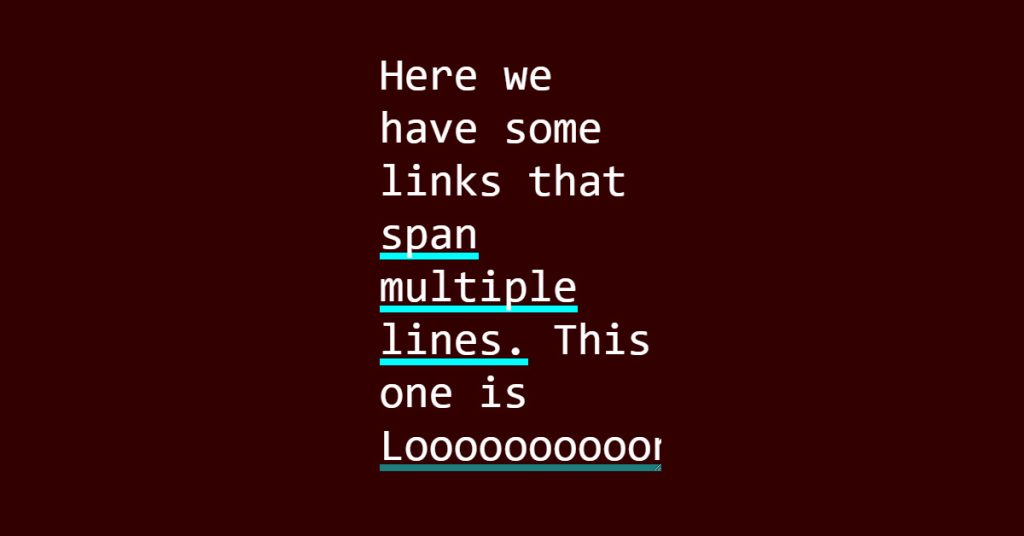
2. Variable-powered underline transition
| Code by – | JHEY |
| Demo & Download | Click here For Code |
| Language Used – | HTML, CSS |
| External link / Dependencies | No |
| Responsive | Yes |
Here You Can See How The Above CSS link style Depicts The Variable-powered underline transition Implemented Using HTML And CSS.
Read also: Best 15 CSS Subscribe Form Designs
3. Underline Animation – CSS Link Style

| Code by – | Cojea Gabriel |
| Demo & Download | Click here For Code |
| Language Used – | HTML, CSS |
| External link / Dependencies | No |
| Responsive | Yes |
In The Above-Displayed Project, We Have For you an Underline Animation – Link Using HTML And CSS.
4.CSS link style

| Code by – | Sophia Moss |
| Demo & Download | Click here For Code |
| Language Used – | HTML, CSS |
| External link / Dependencies | No |
| Responsive | Yes |
Here You Can See How The Above Project Depicts The link style Implemented Using HTML And CSS.
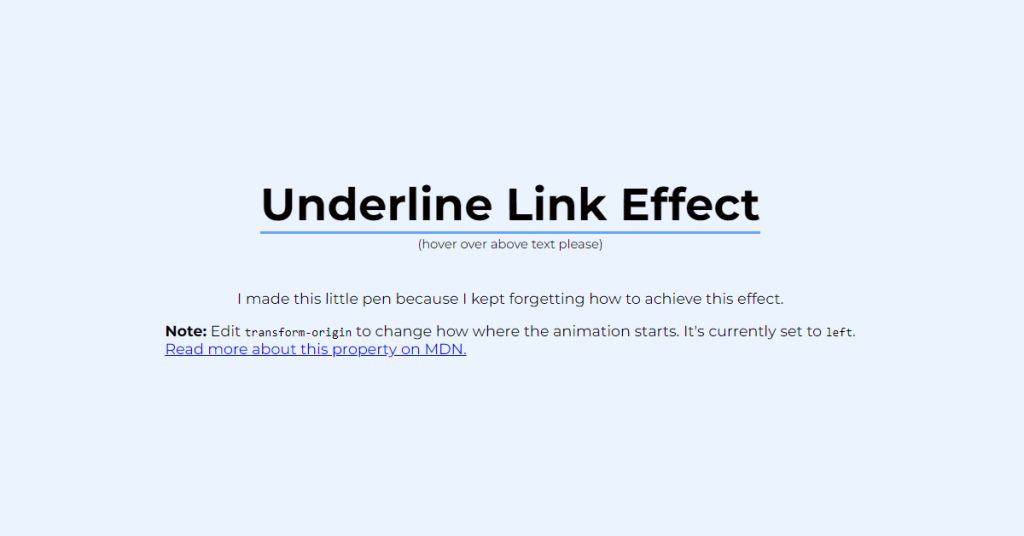
5. Underline CSS Link Effect
| Code by – | Eina O |
| Demo & Download | Click here For Code |
| Language Used – | HTML, CSS |
| External link / Dependencies | No |
| Responsive | Yes |
In The Above-Displayed Project, We Have For you an Underline Link Effect Using HTML And CSS.
Read also: Best 15+ CSS Profile Card Designs
6. Half-transparent currentColor link underline

| Code by – | Christopher Kirk-Nielsen |
| Demo & Download | Click here For Code |
| Language Used – | HTML, CSS |
| External link / Dependencies | No |
| Responsive | Yes |
Here You Can See How The Above Project Depicts The Half-transparent currentColor link underline Implemented Using HTML And CSS.
7. CSS Link Hover Animation

| Code by – | Shunya Koide |
| Demo & Download | Click here For Code |
| Language Used – | HTML, CSS |
| External link / Dependencies | No |
| Responsive | Yes |
In The Above-Displayed Project, We Have For you a CSS Link Hover Animation Using HTML And CSS.
Read also: Best 15 CSS Tooltip Designs Templates
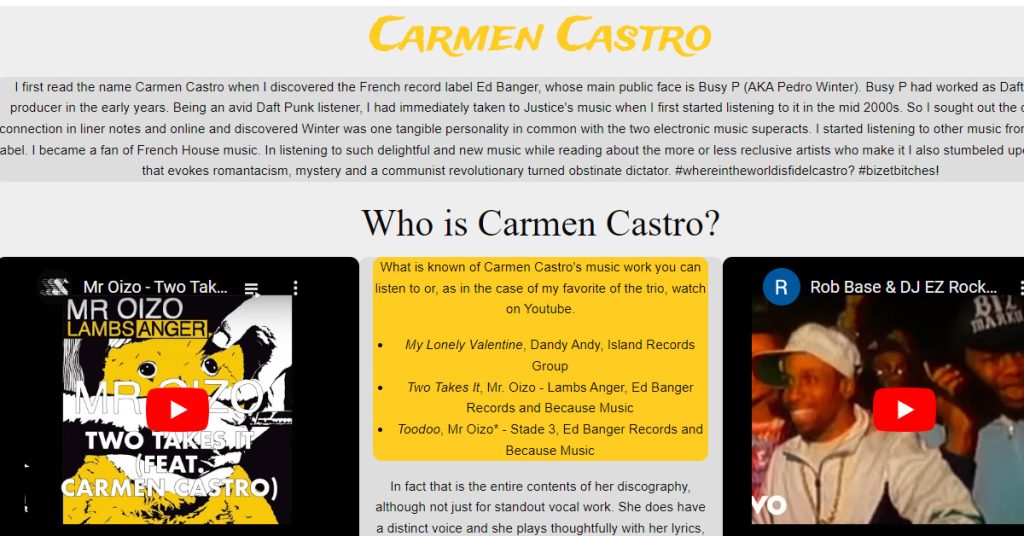
8. Link Hover
| Code by – | Philipe M |
| Demo & Download | Click here For Code |
| Language Used – | HTML |
| External link / Dependencies | Yes |
| Responsive | Yes |
Here You Can See How The Above Project Depicts The Link Hover Implemented Using HTML.
9. Link Effectz – Squiggle

| Code by – | Geoff Graham |
| Demo & Download | Click here For Code |
| Language Used – | HTML, CSS, JS |
| External link / Dependencies | No |
| Responsive | Yes |
In The Above-Displayed Project, We Have For you a link Effectz – Squiggle Using HTML, JS, And CSS.
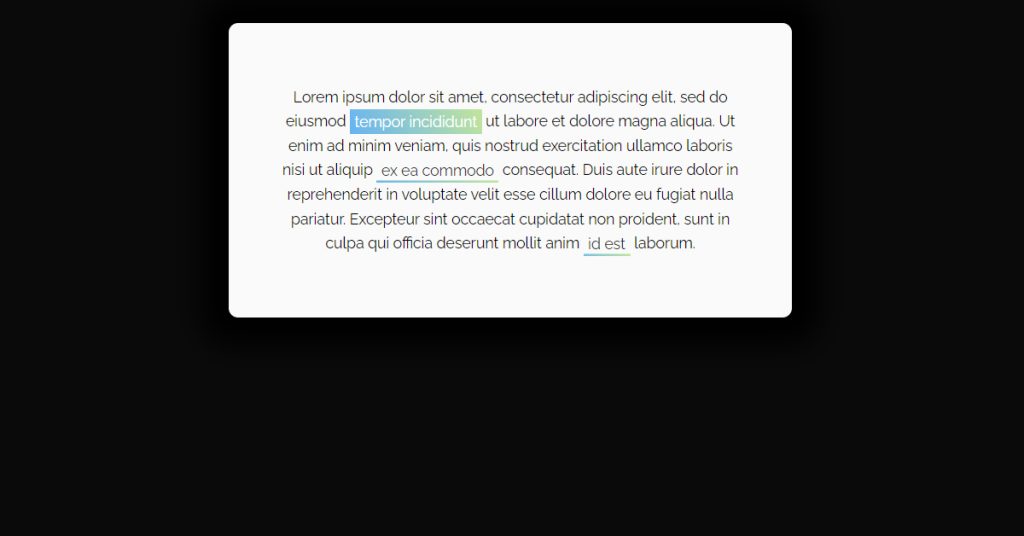
10. Link with gradient background on hover
| Code by – | Giulia Malaroda |
| Demo & Download | Click here For Code |
| Language Used – | HTML, CSS |
| External link / Dependencies | No |
| Responsive | Yes |
Here You Can See How The Above Project Depicts The Link with a gradient background on hover Implemented Using HTML And CSS.
Read also: Top 15 CSS Range Sliders Designs with Source Code
11. Xray Link
| Code by – | Toni Rissanen |
| Demo & Download | Click here For Code |
| Language Used – | HTML, CSS, JS |
| External link / Dependencies | No |
| Responsive | Yes |
In The Above-Displayed Project, We Have For you an Xray Using HTML, JS, And CSS.
12. Cool hover effect with mix-blend-mode

| Code by – | Tiago Alexandre Lopes |
| Demo & Download | Click here For Code |
| Language Used – | HTML, CSS |
| External link / Dependencies | No |
| Responsive | Yes |
Here You Can See How The Above CSS Link style Depicts The Cool hover effect with mix-blend mode Implemented Using HTML And CSS.
13. Follow Along Links
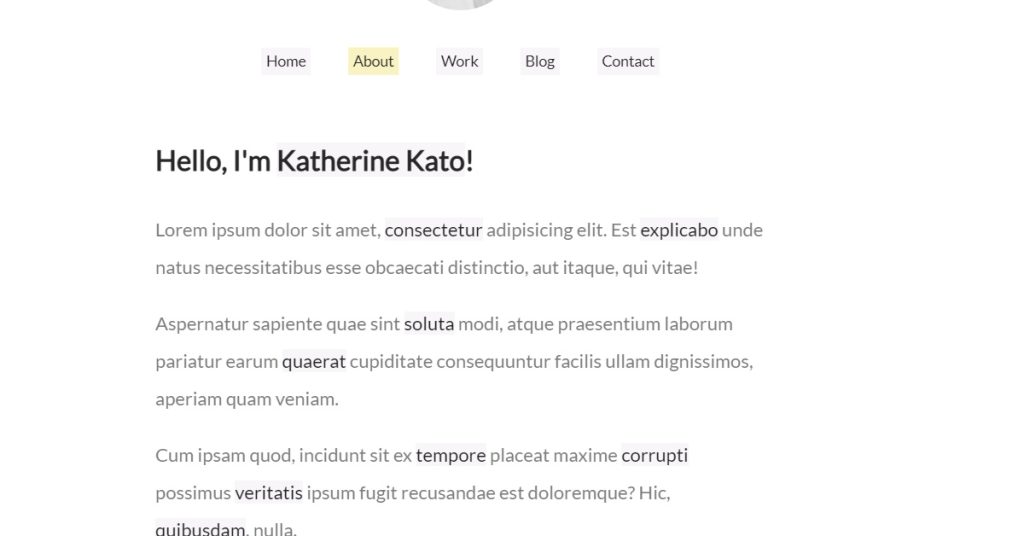
| Code by – | Katherine Kato |
| Demo & Download | Click here For Code |
| Language Used – | HTML, CSS, JS |
| External link / Dependencies | No |
| Responsive | Yes |
In The Above-Displayed Project, We Have For you Follow Along Links Using HTML, JS, And CSS.
14. Links with Marginalia Notes
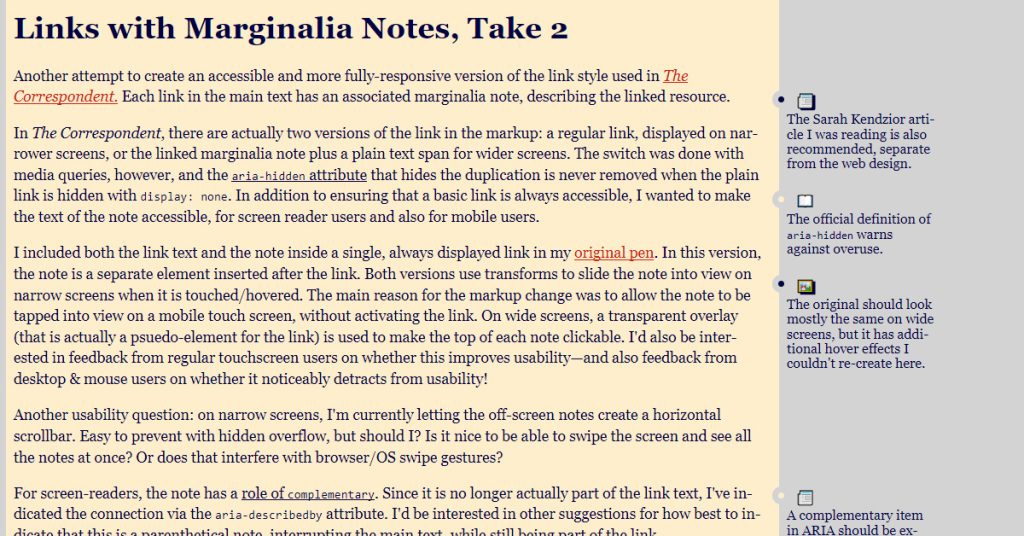
| Code by – | Amelia Bellamy-Royds |
| Demo & Download | Click here For Code |
| Language Used – | HTML, CSS |
| External link / Dependencies | No |
| Responsive | Yes |
Here You Can See How The Above Project Depicts The Links with Marginalia’s Notes Implemented Using HTML And CSS.
15. Links w/ Margin Notes
| Code by – | Trevor |
| Demo & Download | Click here For Code |
| Language Used – | HTML, CSS |
| External link / Dependencies | No |
| Responsive | Yes |
In The Above-Displayed Project, We Have For You a link w/ Margin Notes Using HTML And CSS.
Conclusion
Hope you like all the Best 15 CSS Link Hover Effects Designs with Examples mentioned in this article and that they helped in increasing your understanding of the use of CSS Link Style to add external or internal hover types of links to your next web development project With a Vast Variety Of Design Options To Choose From.
Hope You Like Our Blog Post And Read Others To Gain Knowledge In Frontend Development. See Our Other Blogs And Gain Knowledge In Front-end Development
Thank You and Keep Learning!