Create Hamburger Menu Animation Using Html Css Javascript Code
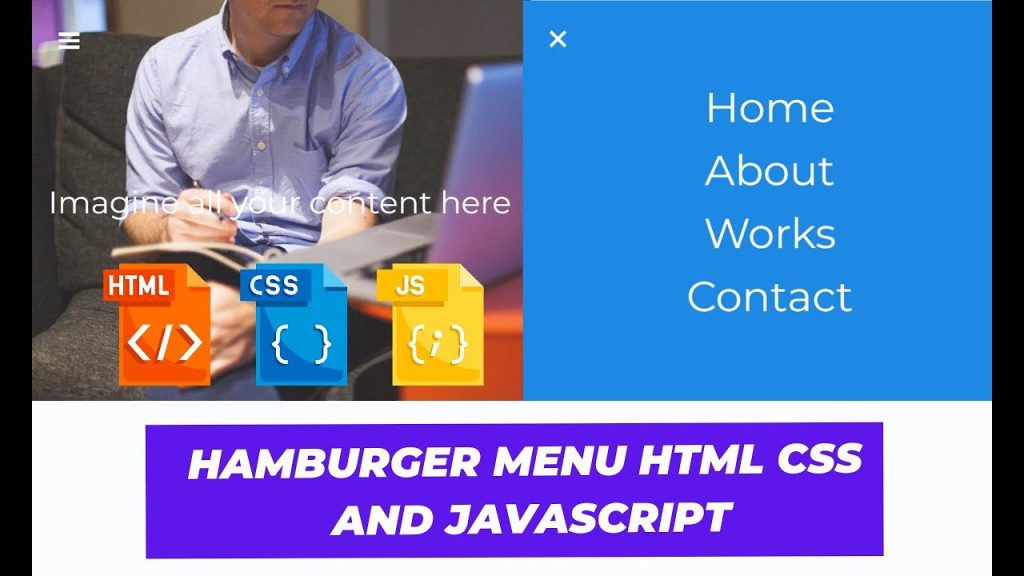
Welcome To The Codewithrandom Blog. This Blog Teaches Us How To Create A Hamburger Menu Animation Code. We Use Html, Css, And Javascript For The Hamburger Menu Animation Code.
Video Tutorial Of Hamburger Menu Animation
I Hope You Enjoy Our Blog So Let’s Start With A Basic Html Structure For The Hamburger Menu Animation Code.
HTML Code For Hamburger Menu Animation Code
<div class="full-menu">
    <nav id="menu" class="menu">
        <ul>
            <li class="home">Home</li>
            <li class="about">About</li>
            <li class="works">Works</li>
            <li class="contact">Contact</li>
        </ul>
    </nav>
</div>
<div class="hamburguer">
    <div class="lines line-top"></div>
    <div class="lines line-mid"></div>
    <div class="lines line-bottom"></div>
</div>
<main class="content"><h1 id="teste">Imagine all your content here</h1></main>
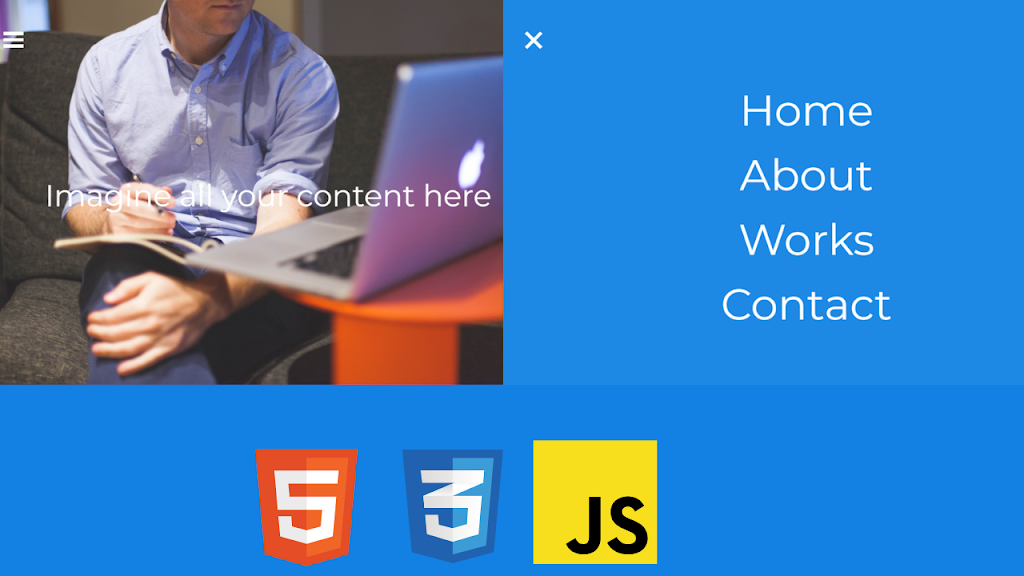
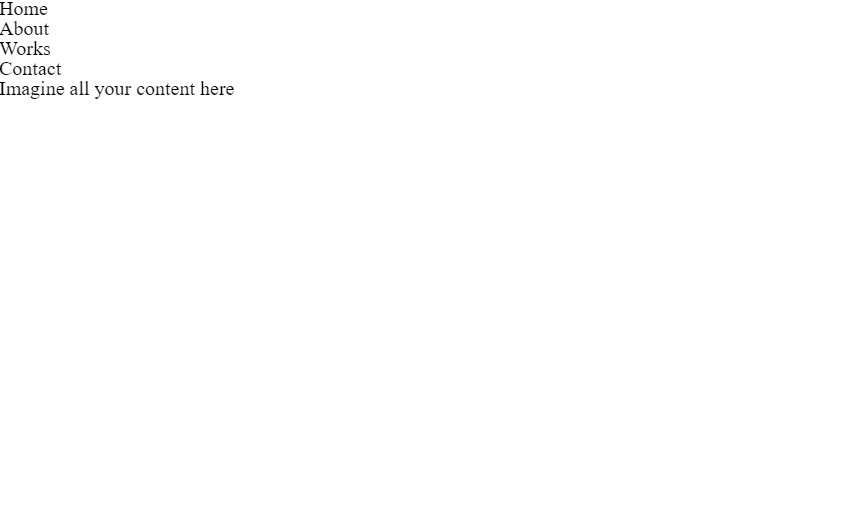
There Is All The Html Code For The Hamburger Menu Animation Code. Now, You Can See An Output With A Hamburger Menu Animation Then We Write Javascript For The Hamburger Menu Animation.
50+ Front-end Projects With Source Code | Front-end Projects With Source Code
Output Of Only Html Code For Hamburger Menu Animation
Css Code For Hamburger Menu Animation
@keyframes zoom {
    0%,
    100% {
        transform: scale(1);
    }
    50% {
        transform: scale(1.1);
    }
}
html,
body {
    overflow: hidden;
    line-height: 1.5;
    font-family: "Montserrat", "Arial", sans-serif;
    color: #fff;
    text-align: center;
}
html,
body,
.full-menu,
.content {
    width: 100%;
    height: 100%;
}
.full-menu,
.content {
    display: flex;
    align-items: center;
    justify-content: center;
}
.content {
    background-image: url(https://s3.amazonaws.com/StartupStockPhotos/20140808_StartupStockPhotos/96.jpg);
    background-size: cover;
    font-size: 3em;
}
.full-menu {
    position: absolute;
    background-color: #1e88e5;
    opacity: 0.5;
    transform: translateX(100%);
    transition: all 400ms ease-in;
}
.full-menu li {
    font-size: 4em;
    color: #fff;
    opacity: 0;
    transform: translateY(2%);
    transition: all 300ms ease-in;
    cursor: pointer;
}
.full-menu li:after {
    content: "";
    position: absolute;
    height: 5px;
    width: 0%;
    left: 0;
    bottom: 0;
    background-color: #fff;
    transition: width 200ms ease-in;
}
.full-menu li:hover:after {
    width: 100%;
}
.full-menu ul {
    list-style: none;
}
.full-menu.active {
    transform: translateX(0%);
    opacity: 1;
    z-index: 0;
}
.full-menu.active .home {
    transition-delay: 0.3s;
}
.full-menu.active .about {
    transition-delay: 0.4s;
}
.full-menu.active .works {
    transition-delay: 0.5s;
}
.full-menu.active .contact {
    transition-delay: 0.6s;
}
.full-menu.active li {
    opacity: 1;
    transform: translateX(0%);
}
.full-menu.active li:hover {
    animation: zoom 200ms ease-in;
}
.hamburguer {
    position: absolute;
    width: 2em;
    height: 2em;
    margin: 3em;
    z-index: 1;
    cursor: pointer;
}
.hamburguer:hover {
    animation: zoom 300ms ease-in;
}
.lines {
    background-color: #fff;
    width: 100%;
    height: 5px;
    margin: 5px 0;
    transition: all 450ms ease-in;
}
.close-hamburguer .lines {
    cursor: pointer;
}
.close-hamburguer .line-top {
    transform: translateY(200%) rotate(45deg);
}
.close-hamburguer .line-mid {
    opacity: 0;
}
.close-hamburguer .line-bottom {
    transform: translateY(-200%) rotate(135deg);
}
Output Of Only Html And Css Code For Hamburger Menu Animation

Javascript Code For Hamburger Menu Animation
//Using Vanilla JS
document.querySelector(".hamburguer").addEventListener("click", function () {
    document.querySelector(".full-menu").classList.toggle("active");
    document.querySelector(".hamburguer").classList.toggle("close-hamburguer");
});
[su_button id=”download” url=”https://drive.google.com/drive/folders/13sAtwoFHABqFpL3MLm0cWcnkPp8xDAUA?usp=sharing” target=”blank” style=”3d” size=”11″ wide=”yes” center=”yes” icon=”icon: download”]DOWNLOAD NOW[/su_button]
Final Output Of Hamburger Menu Animation
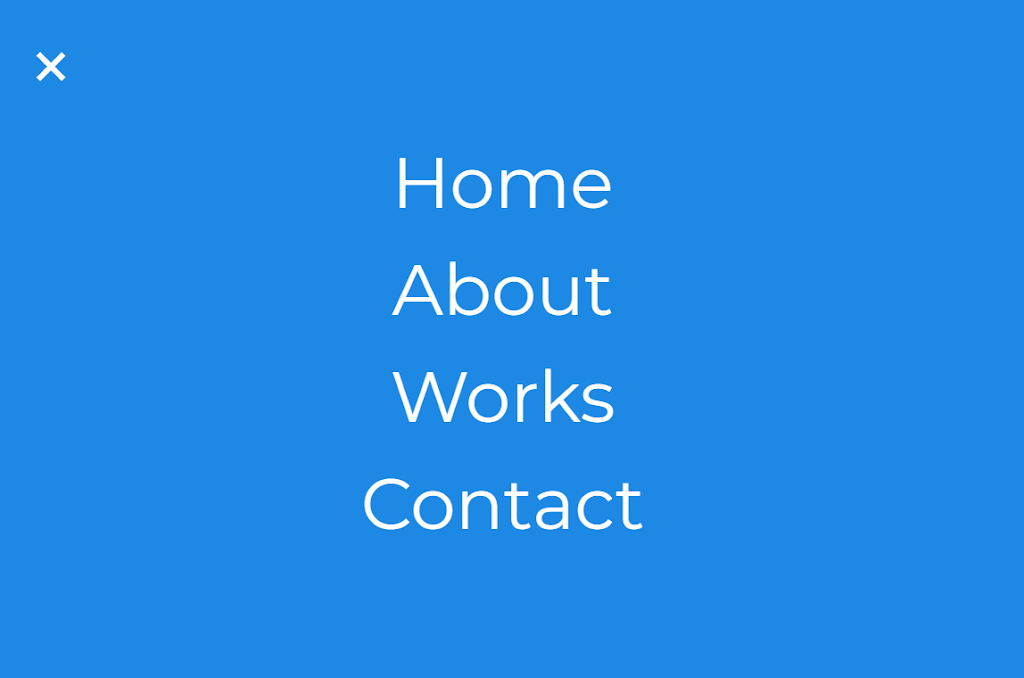

Now That We Have Completed Our Javascript Code Section, Our Updated Output With Html,css And Javascript. Hope You Like The Hamburger Menu Animation.
100+ Front-end Projects for Web developers (Source Code)
You Can See The Output Video And Project Screenshots. See Our Other Blogs And Gain Knowledge In Front-end Development.
Thank You !
This Post Teaches Us How To Create A Hamburger Menu Animation Using Simple Html & Css And Javascript. If We Made A Mistake Or Any Confusion, Please Drop A Comment To Reply Or Help You In Easy Learning.
Written By – Code With Random/anki
Code By – Gustavo Modena
FAQ For Hamburger Menu Animation
| Coding Language Used | Name of Coding language |
| 1 | HTML |
| 2 | CSS |
| 3 | JAVASCRIPT |
Do you use javascript in this hamburger menu code?
Yes, we include 4 lines of javascript code for the toggle hamburger menu.
Is this a responsive hamburger menu code?
Yes, it’s a responsive hamburger menu project, made with Html, Css, And Javascript Code.